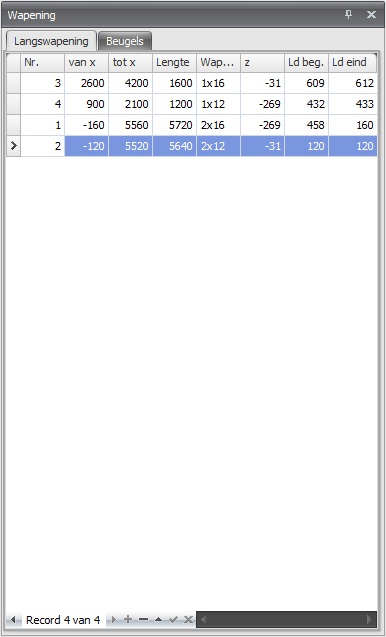
Longitudinal Reinforcement
The longitudinal reinforcement is designed automatically. On this tab the reinforcement is shown and you can adjust the reinforcement. Both the basic reinforcement and the additional reinforcement.
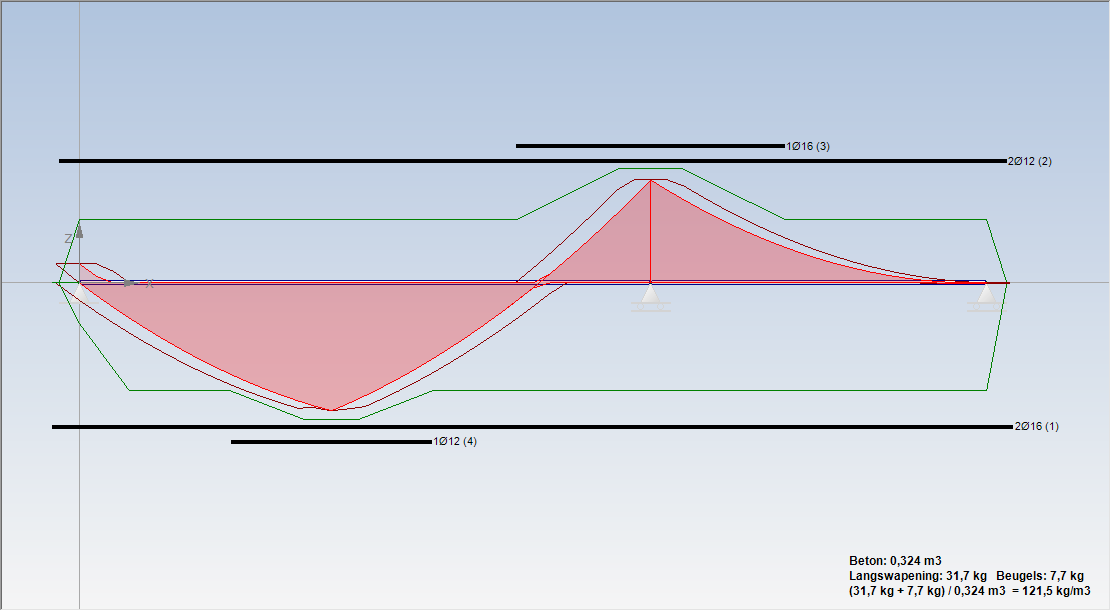
Adjusting reinforcement bars
Double-click with the left mouse button on the reinforcement. A dialog window is opened.

You can choose from "number x diameter", "diameter - centre-to-centre" or "mm2".
Lengthening/shortening reinforcement bars
Move the mouse to the end of the reinforcement. The cursor changes and you can easily lengthen or shorten the bar.
Copying reinforcement bars
Place the mouse on the reinforcement. With the right mouse button you open a context menu. Choose copy.
Deleting reinforcement bars
Place the mouse on the reinforcement. With the right mouse button you open a context menu. Choose delete.
Cutting
You can cut the reinforcement bars.
Design
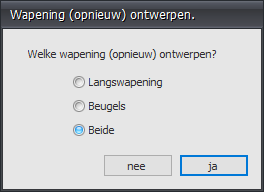
With this function you can design the reinforcement again.
Concrete section

With this function you can request a detailed drawing and calculation of every section.
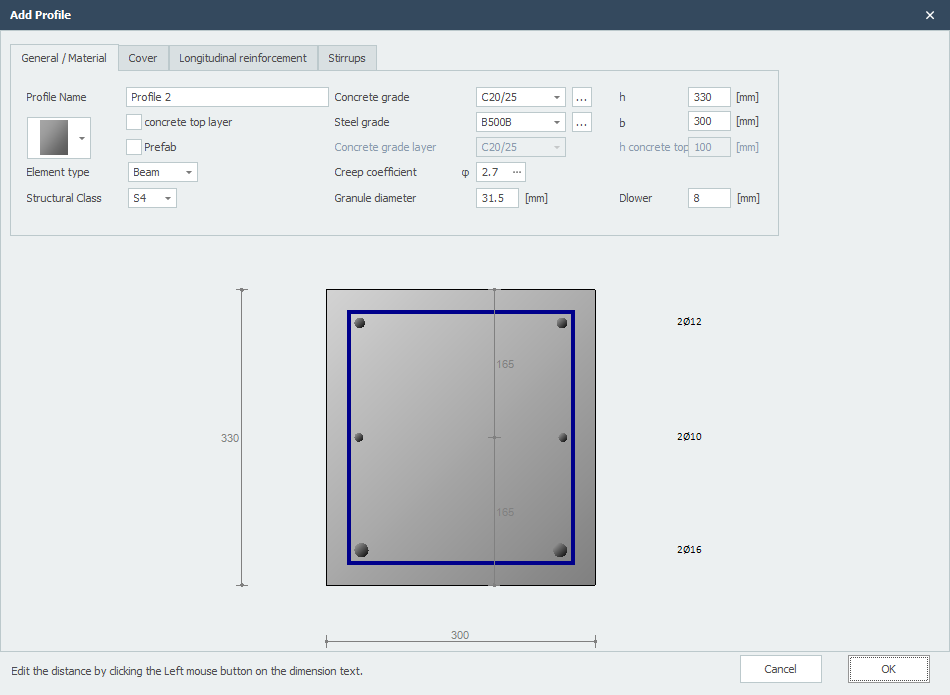
Choose Preview for a detailed calculation.