Results

Press the calculate button  or select the tab Results and your structure is calculated immediately and extremely fast.
Select Combination
Here you can select the load combination or the load case that you want to see.
In  display options you can set what you want to see. See Display Options.
Spy
 With the output spy you can view the results of any member in detail. See Spy.
Settings
Calculation settings. See Calculation Settings.
Notifications
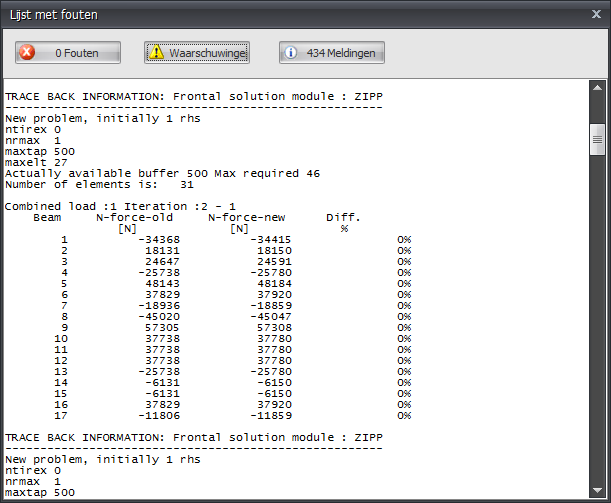
 When the force distribution cannot be calculated, for instance because the structure is unstable, a dialog window is shown. You can call up this screen again with this button. It contains the notifications of the calculation module.