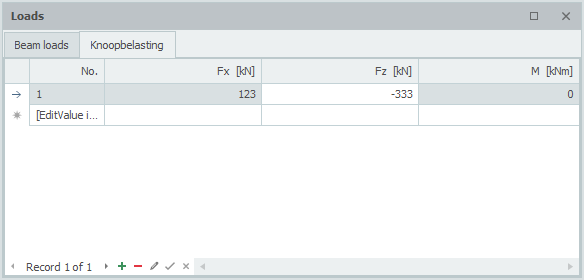
Node Loads

Node loads are specified in a Node coordinate system. See Sign Convention.
The dialog box below opens.
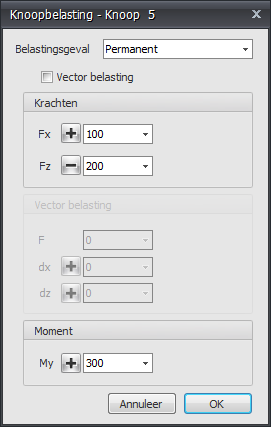
Load Case
Choice of the load case. Here you can also create a new load case directly.
The node load is entered in the global coordinate system by default. When a local coordinate system has been specified for the node concerned, the forces are specified relative to that coordinate system.
Forces
- Fx - Magnitude of the force in kN in the x-direction
- Fz - Magnitude of the force in kN in the z-direction
- My - Magnitude of the moment in kNm about the y-axis
Vector Load
Setting whether you want to enter the load as a vector in a certain direction.
- F - Magnitude of the vector force in kN
- dx - Relative distance in the x-direction
- dz - Relative distance in the z-direction
dx and dz fix the direction of the vector force. The ratio dx / dz determines the angle.
Table
Node loads can also be added and/or changed in the table. It makes no difference. You can also switch between graphical input and tabular input at any time.